Main content:
How to import Uruguay Kits 2026 in DLS 26
Step 1: Click the Copy URL button for the corresponding Kits located below
Step 2: Open Dream League Soccer 26
Step 3: Select My Club.
Step 4: Select Customise.
Step 5: Click Custome Kit.
Step 6: Paste the Kit URL copied in Step 1.
Step 7: Click Confirm.
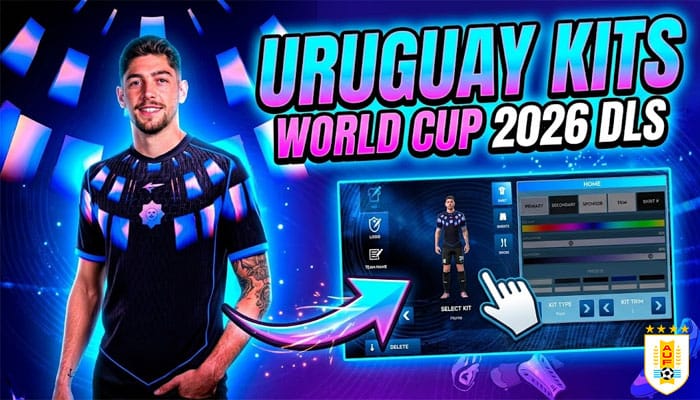
Technical Specifications: Uruguay DLS 26 Kit URLs
| Uruguay 2026 | Type | URL | Action |
|---|---|---|---|
| Logo |  | https://dlsgame.net/wp-content/uploads/2026/05/Logo-Uruguay-DLS-512×512-1.png | |
| Home Kit | 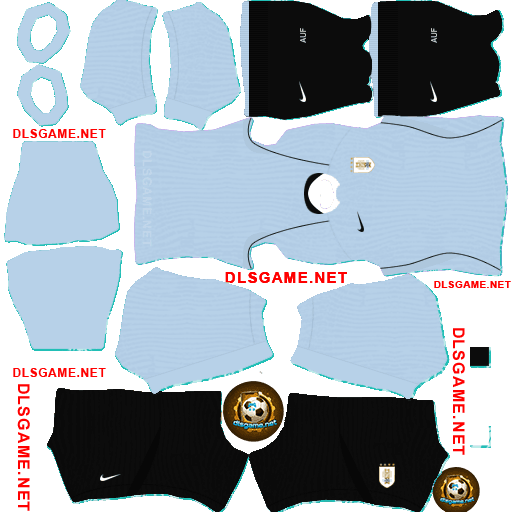 | https://dlsgame.net/wp-content/uploads/2026/05/Uruguay-Home-Kit-2026-DLS.png | |
| Away Kit | 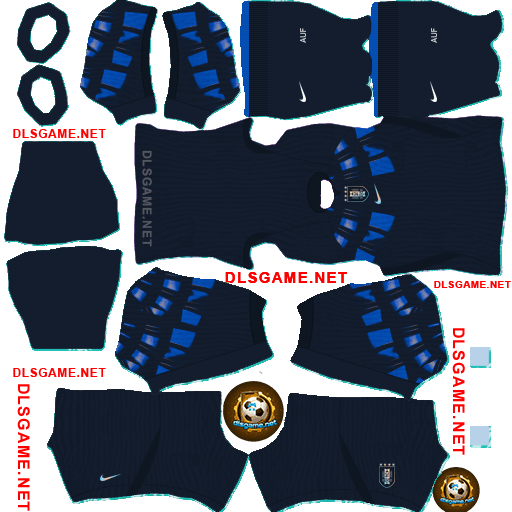 | https://dlsgame.net/wp-content/uploads/2026/05/Uruguay-Away-Kit-2026-DLS.png | |
| GK1 Kit | 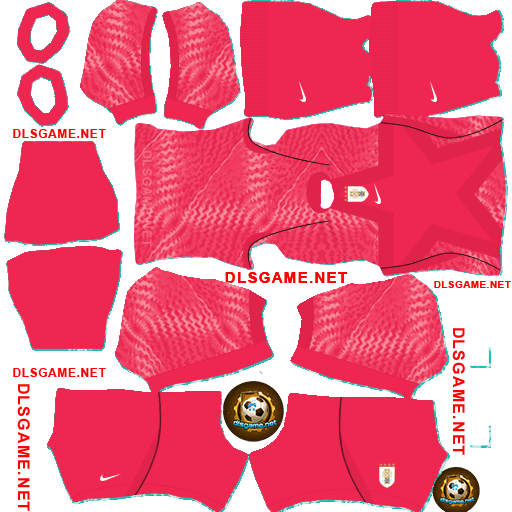 | https://dlsgame.net/wp-content/uploads/2026/05/Uruguay-GK1-Kit-2026-DLS.png | |
| GK2 Kit | 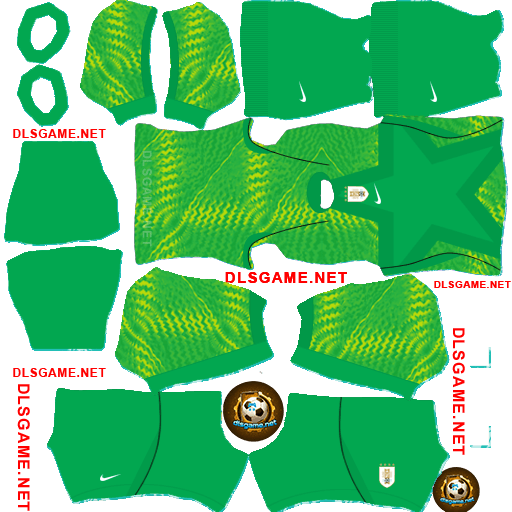 | https://dlsgame.net/wp-content/uploads/2026/05/Uruguay-GK2-Kit-2026-DLS.png | |
| GK3 Kit | 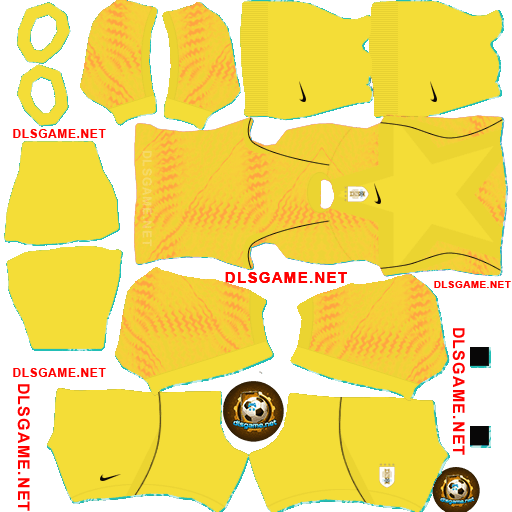 | https://dlsgame.net/wp-content/uploads/2026/05/Uruguay-GK3-Kit-2026-DLS.png |