For fans of Die Fohlen and avid players of Dream League Soccer (DLS Game), the desire to see their virtual squad decked out in the iconic green, black, and white of Borussia Mönchengladbach is strong. The ability to customize your DLS team with authentic kits adds a layer of immersion and personal connection to the game. In the 2025 season, this passion remains as vibrant as ever, with players eagerly seeking the latest Borussia Mönchengladbach kits for their DLS adventures.
This article delves into the world of Borussia Mönchengladbach kits within the DLS universe, exploring their significance, design elements, and why they continue to be a sought-after commodity for virtual football managers.
Main content:
Borussia Mönchengladbach: A Legacy of Style and Success
Before diving into the digital realm, it’s crucial to appreciate the rich history and enduring appeal of Borussia Mönchengladbach. Founded in 1900, the club boasts a proud tradition, marked by periods of dominance in German and European football. The iconic green and white (or sometimes black) shirts have been worn by legendary players, etching themselves into the fabric of football history.
In the 2025 season, Borussia Mönchengladbach continues to be a force to be reckoned with in the Bundesliga. Under the guidance of their manager, the squad features a blend of experienced veterans and exciting young talents. Players like Ko Itakura, a commanding presence in defense, continue to solidify the team’s backline. The midfield dynamism is often orchestrated by players such as Julian Weigl, whose tactical awareness and passing range are crucial. Upfront, the goal-scoring prowess of players like Alassane Pléa and the exciting potential of young forwards like Nathan Ngoumou provide the attacking threat that keeps opponents on their toes. This blend of skill and determination makes Borussia Mönchengladbach a compelling team to follow and, naturally, to emulate in the virtual world of DLS.
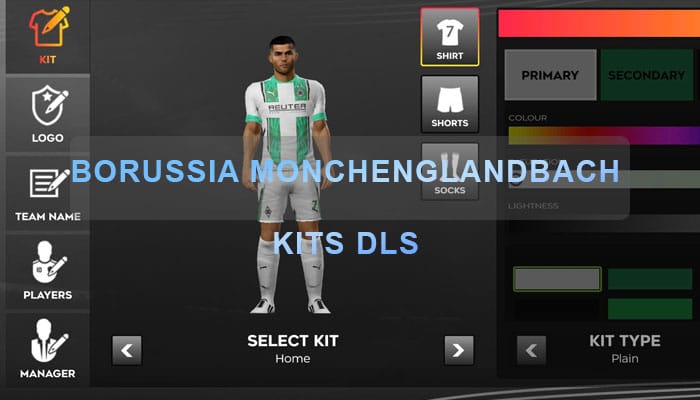
How to import Borussia Monchenglandbach Kit in DLS 26
Step 1: Click the Copy URL button for the corresponding Kits located below
Step 2: Open Dream League Soccer 26
Step 3: Select My Club.
Step 4: Select Customise.
Step 5: Click Custome Kit.
Step 6: Paste the Kit URL copied in Step 1.
Step 7: Click Confirm.
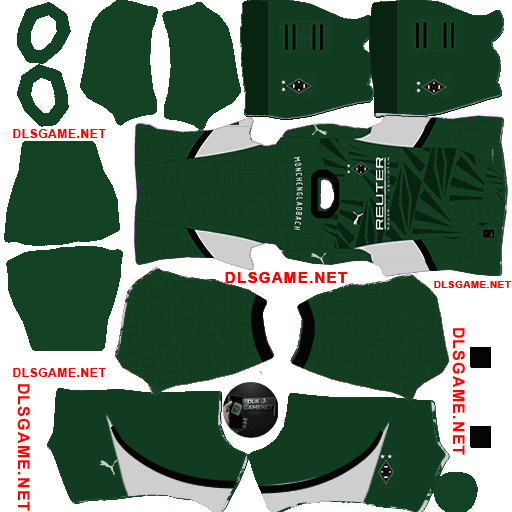
Home Kit
https://dlsgame.net/wp-content/uploads/2025/03/Borussia-Monchenglandbach-Home-Kit-25-DLS-25.png
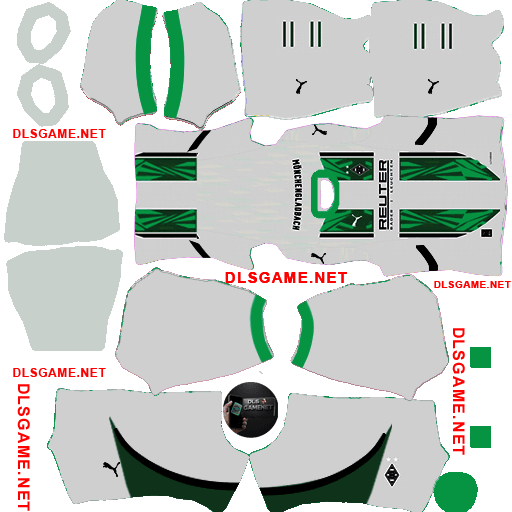
Away Kit
https://dlsgame.net/wp-content/uploads/2025/03/Borussia-Monchenglandbach-Away-Kit-25-DLS-25.png
Logo Borussia Monchenglandbach DLS 512 x 512
https://dlsgame.net/wp-content/uploads/2025/03/Logo-Borussia-Monchenglandbach-512-x-512.png