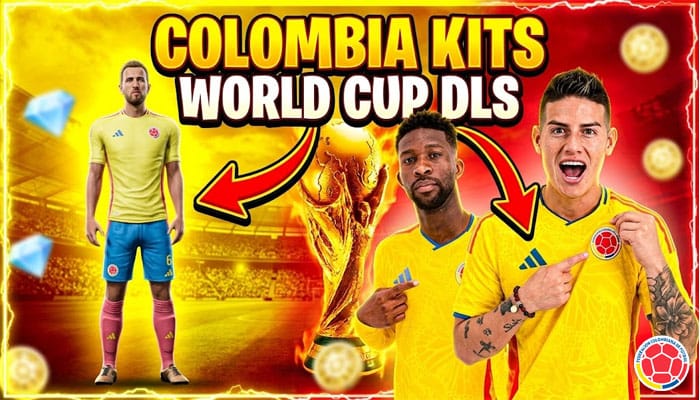
Colombia, a nation synonymous with vibrant football and passionate fans, boasts a rich history on the international stage. In 2024, Los Cafeteros continue to inspire with their dynamic play and striking kits. This article delves into the Colombia kit 2024, its significance, and its connection to the popular Dream League Soccer 26 (DLS 26) game.

The 2024 Colombia Kit: A Symbol of National Pride
- Home Kit: The 2024 home kit maintains these traditional colors, possibly with modern design elements.
- Away Kit: The away kit offers a contrasting look, often featuring a darker base color with accents of yellow, blue, and red.
- Goalkeeper Kits: The goalkeeper kits, crucial for on-field distinction, come in two variations, ensuring the shot-stoppers stand out.
Key Players Sporting the 2024 Kit
The Colombia national team features a blend of experienced veterans and exciting young talents. Several key players proudly wear the 2024 kit:
- James Rodríguez: The team captain, a talented midfielder known for his playmaking abilities.
- Luis Díaz: A dynamic winger playing for Liverpool, brings flair and attacking prowess.
- David Ospina: An experienced goalkeeper, provides stability at the back.
- Daniel Muñoz: A defender playing for Crystal Palace, contributes to both defense and attack.
- Jefferson Lerma: A defensive midfielder crucial for shielding the backline.
Colombia Kit 2024 in DLS 26
Dream League Soccer (DLS) is a popular mobile game that allows players to manage and build their own football teams. The Colombia kit 2024 is expected to be a sought-after item in DLS 26, allowing players to outfit their virtual teams with the colors of Los Cafeteros. The inclusion of the official kits adds a layer of authenticity and excitement for fans of both the national team and the game.
How to import Colombia Kit in DLS 26
Step 1: Click the Copy URL button for the corresponding Kits located below
Step 2: Open Dream League Soccer 26
Step 3: Select My Club.
Step 4: Select Customise.
Step 5: Click Custome Kit.
Step 6: Paste the Kit URL copied in Step 1.
Step 7: Click Confirm.
Home Kit
https://dlsgame.net/wp-content/uploads/2025/04/Colombia-Home-Kit-2024-DLS-25.png

Away Kit
https://dlsgame.net/wp-content/uploads/2025/04/Colombia-Away-Kit-2024-DLS-25.png

100th Centenary
https://dlsgame.net/wp-content/uploads/2025/04/Colombia-Kits-100th-Centenary-DLS-25.png

GK Kit
https://dlsgame.net/wp-content/uploads/2025/04/Colombia-GK-Kit-2025-DLS-25.png

https://dlsgame.net/wp-content/uploads/2025/04/Colombia-GK2-Kit-2025-DLS-25.png

https://dlsgame.net/wp-content/uploads/2025/04/Colombia-GK3Kit-2025-DLS-25.png

Logo Colombia DLS 512 x 512
https://dlsgame.net/wp-content/uploads/2025/04/Logo-Colombia1-DLS-512-x-512.png

https://dlsgame.net/wp-content/uploads/2025/04/Logo-Colombia-DLS-512-x-512.png